See every pipeline at once
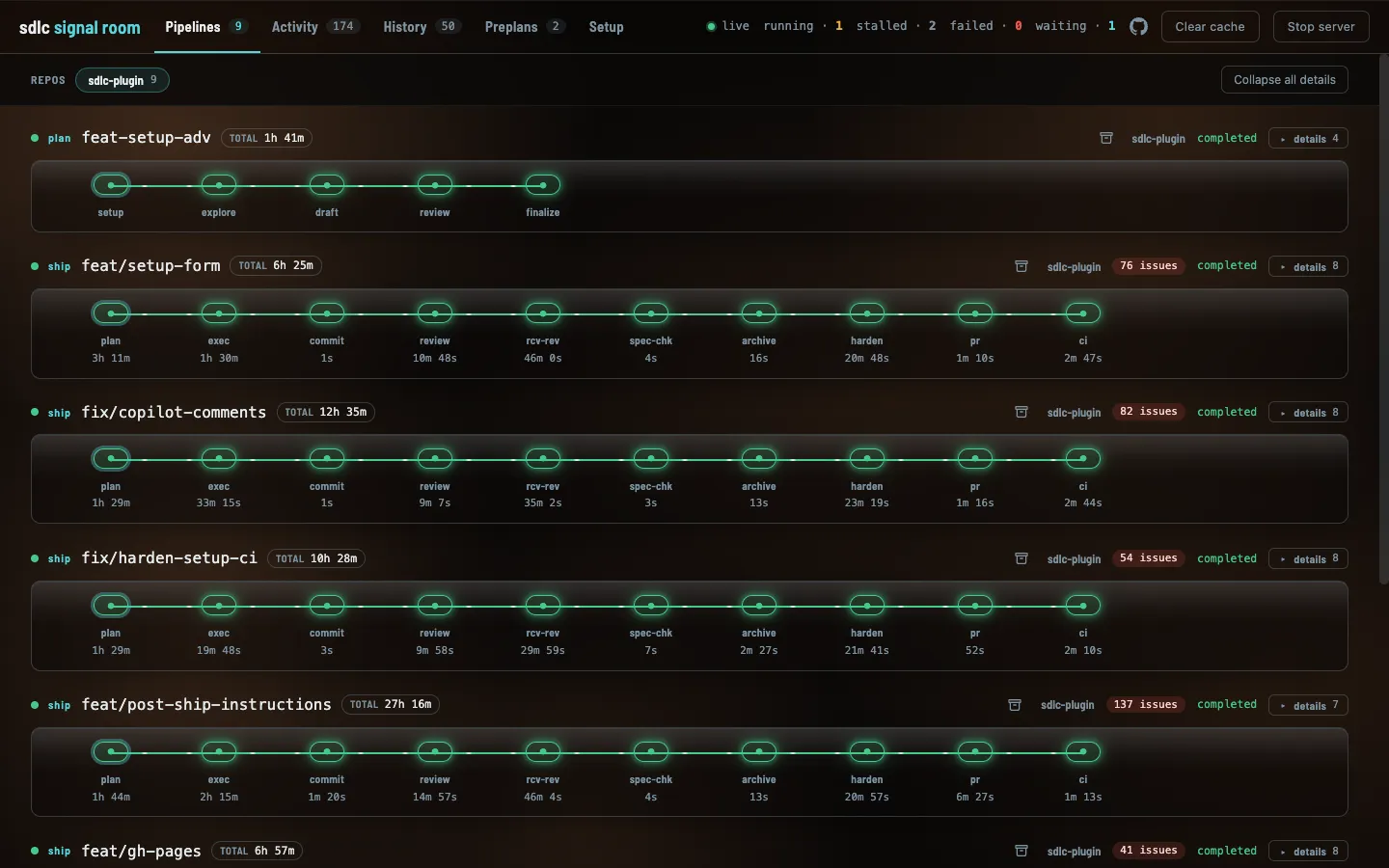
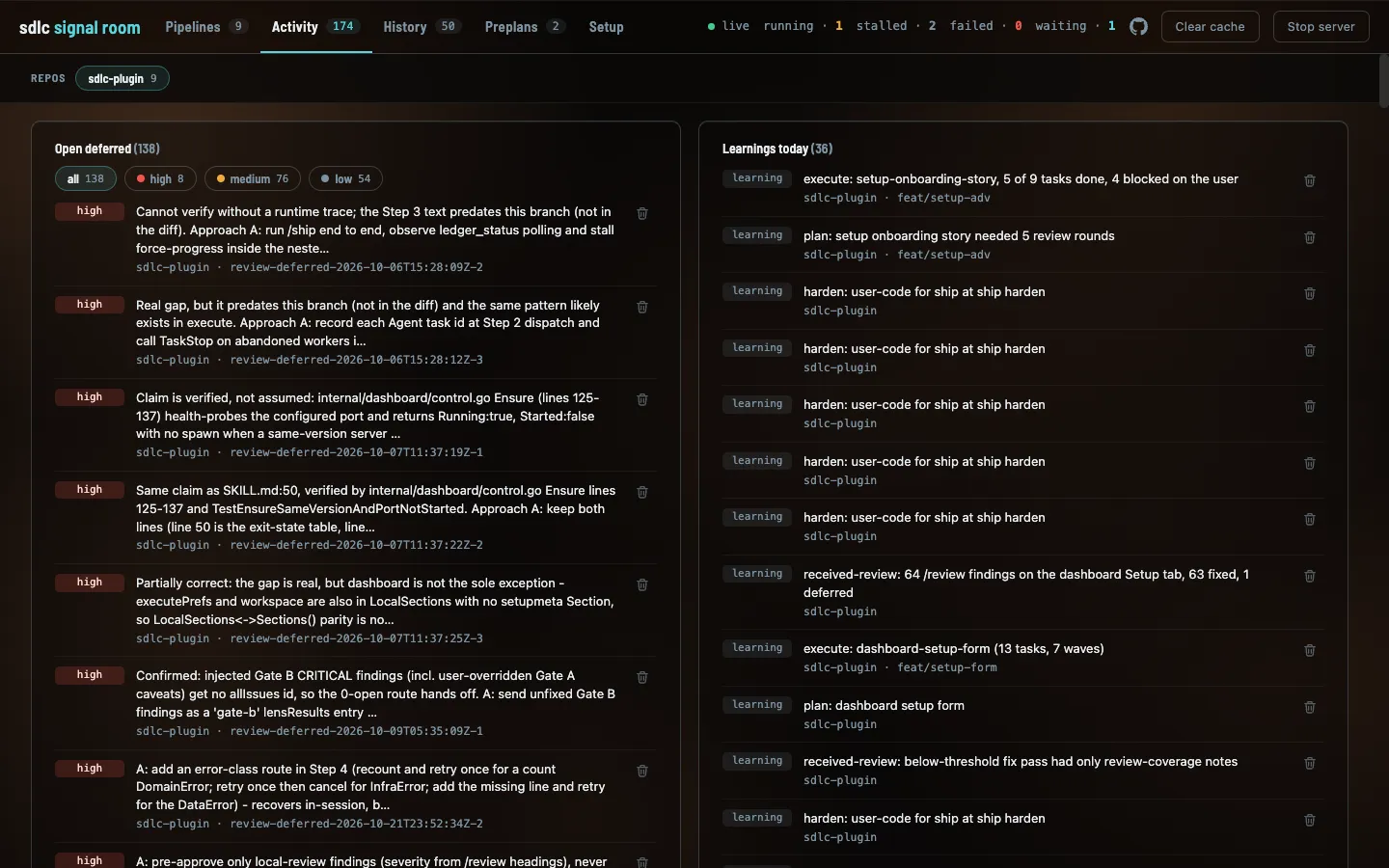
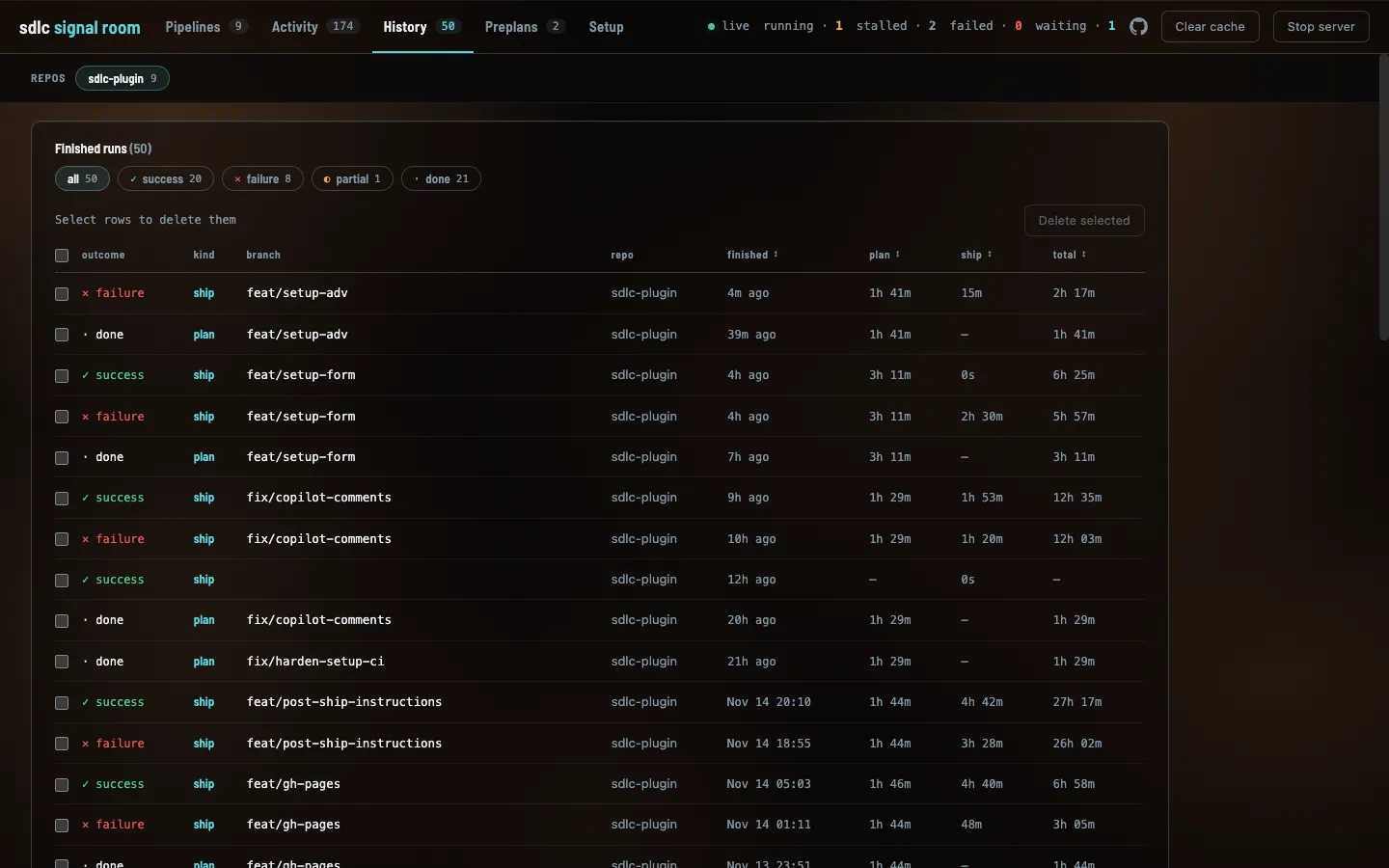
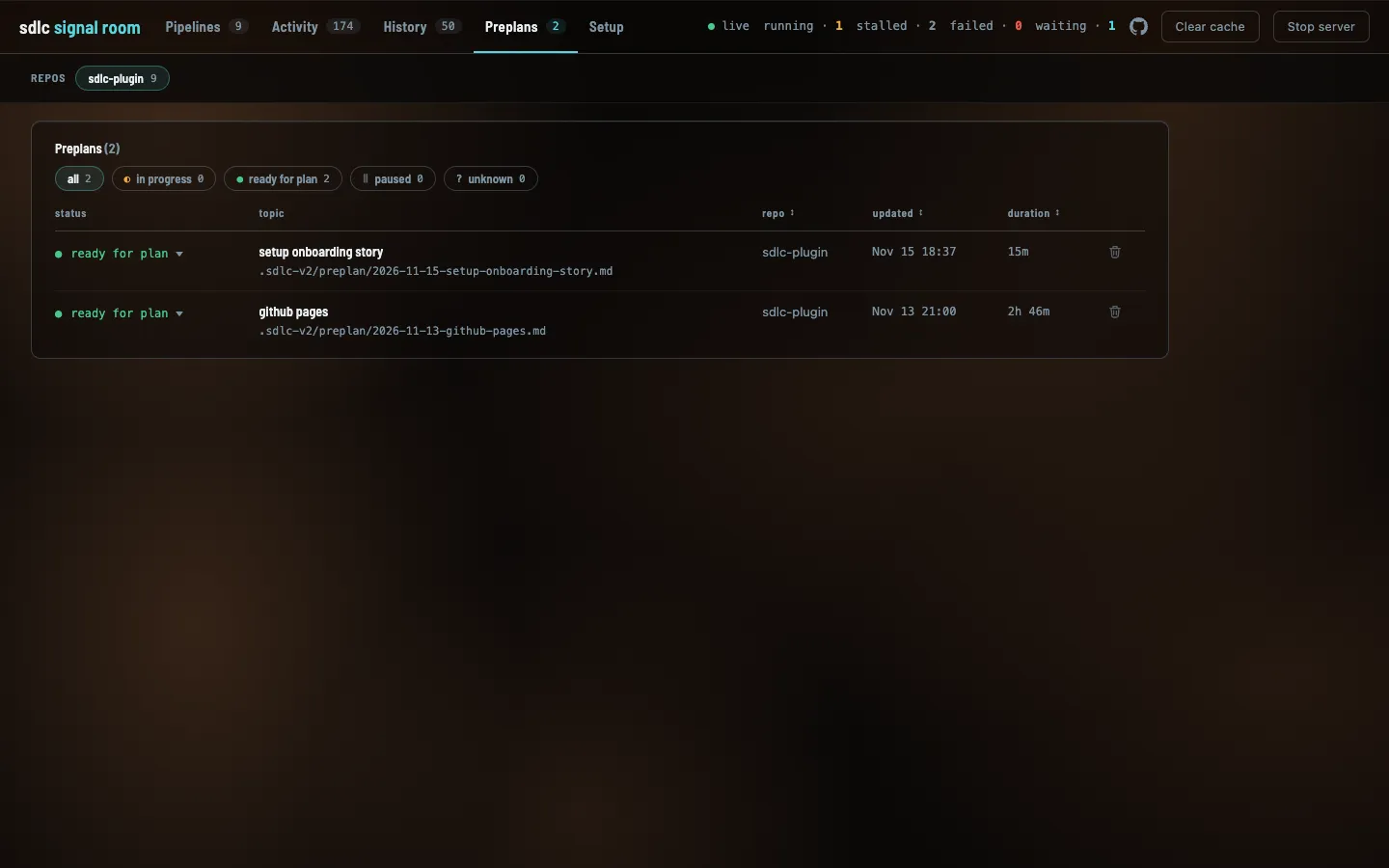
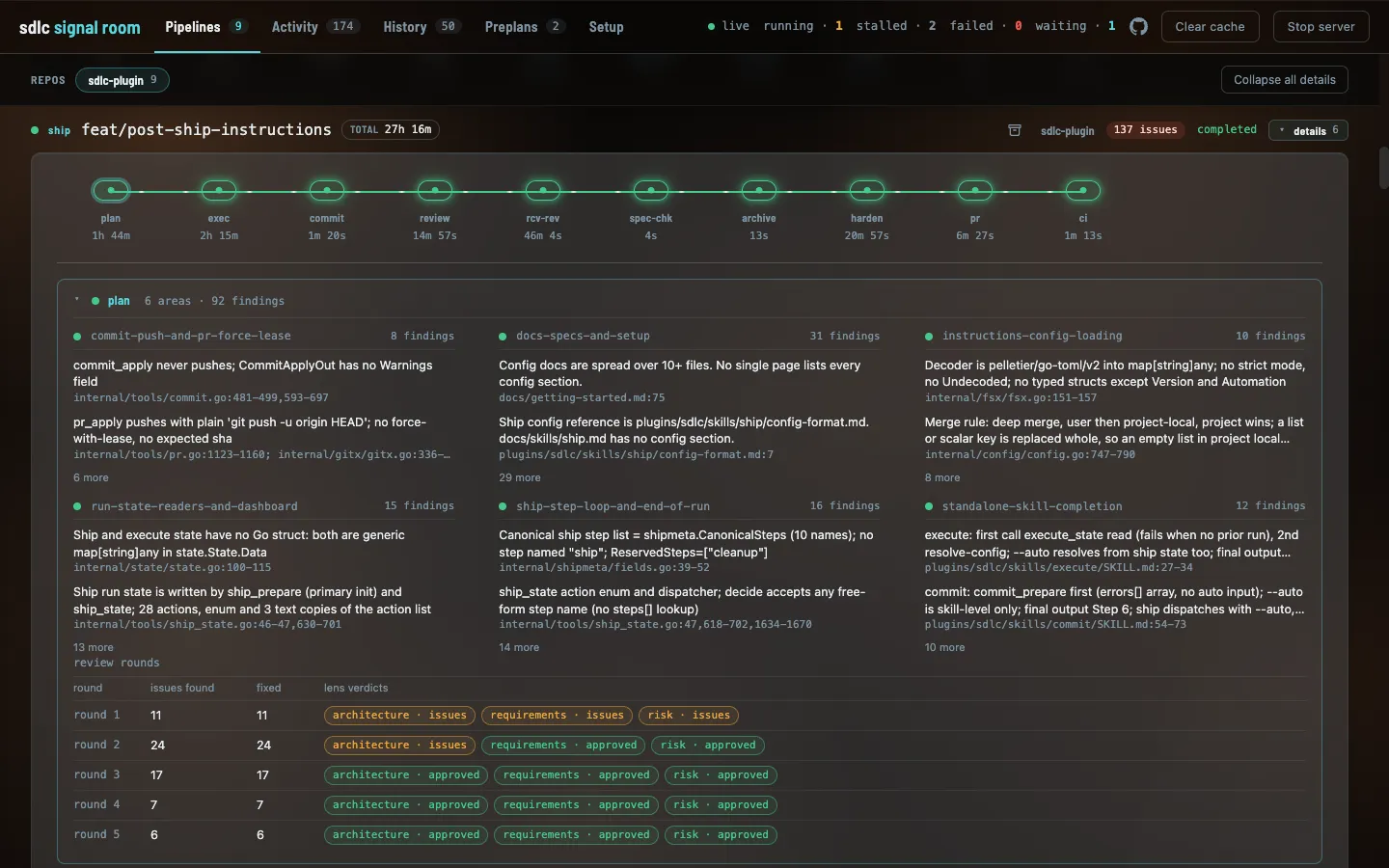
The dashboard is one local page that lists the pipelines of every registered repository, not only the repository of the current session.
What it does
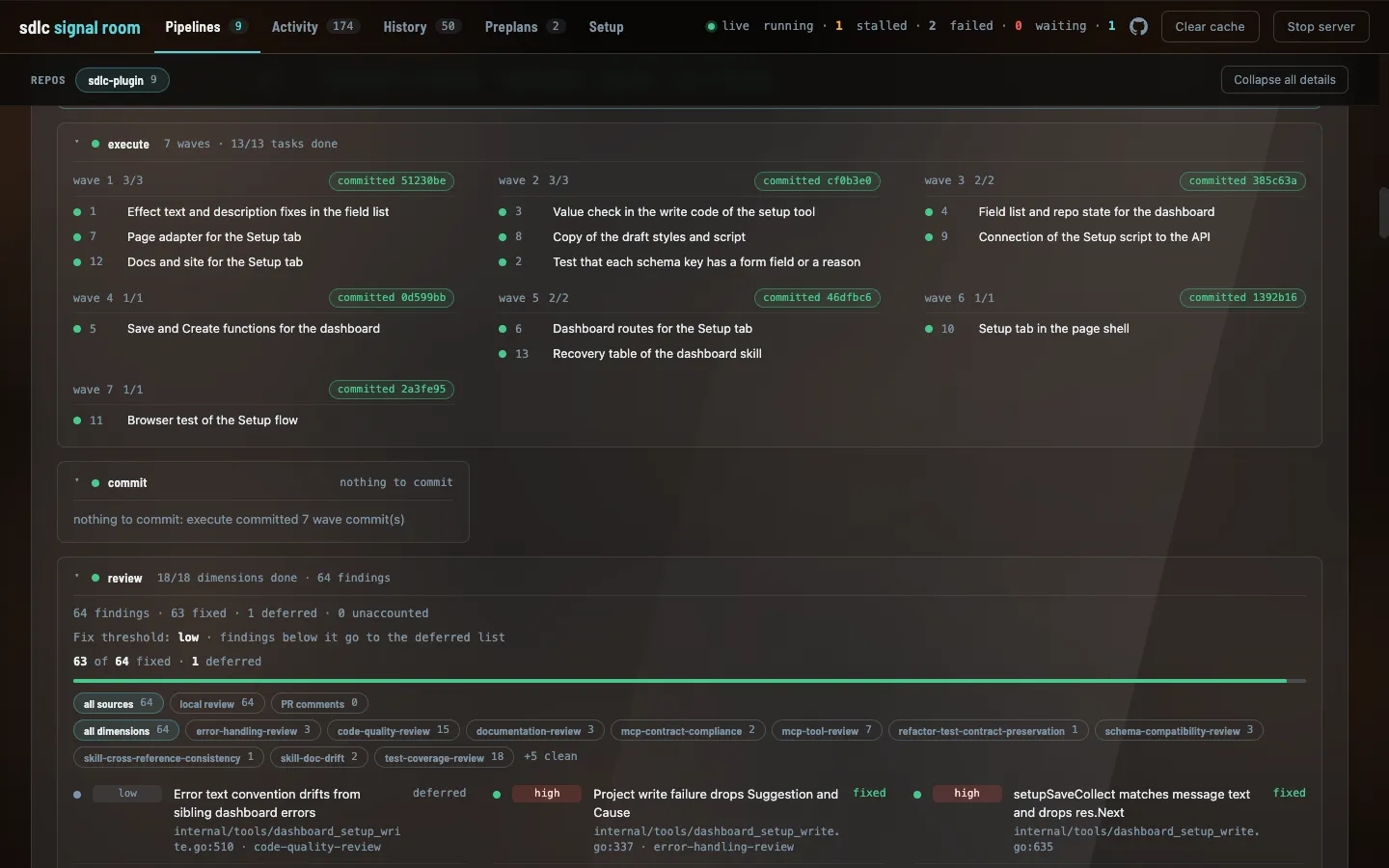
- Live progress of each run in every registered repository
- Each step lists its follow-up instructions, one row for each, with the status of each instruction
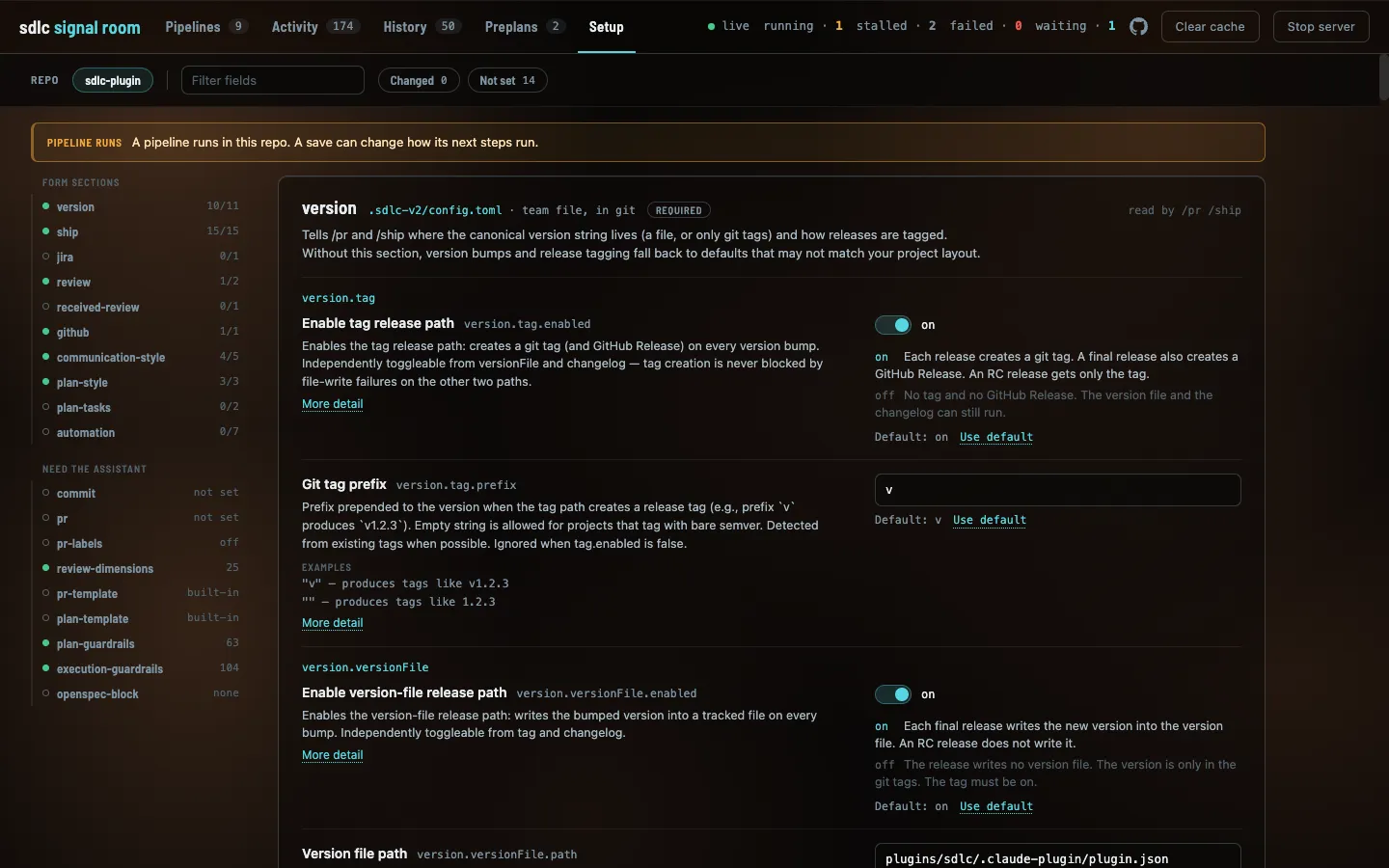
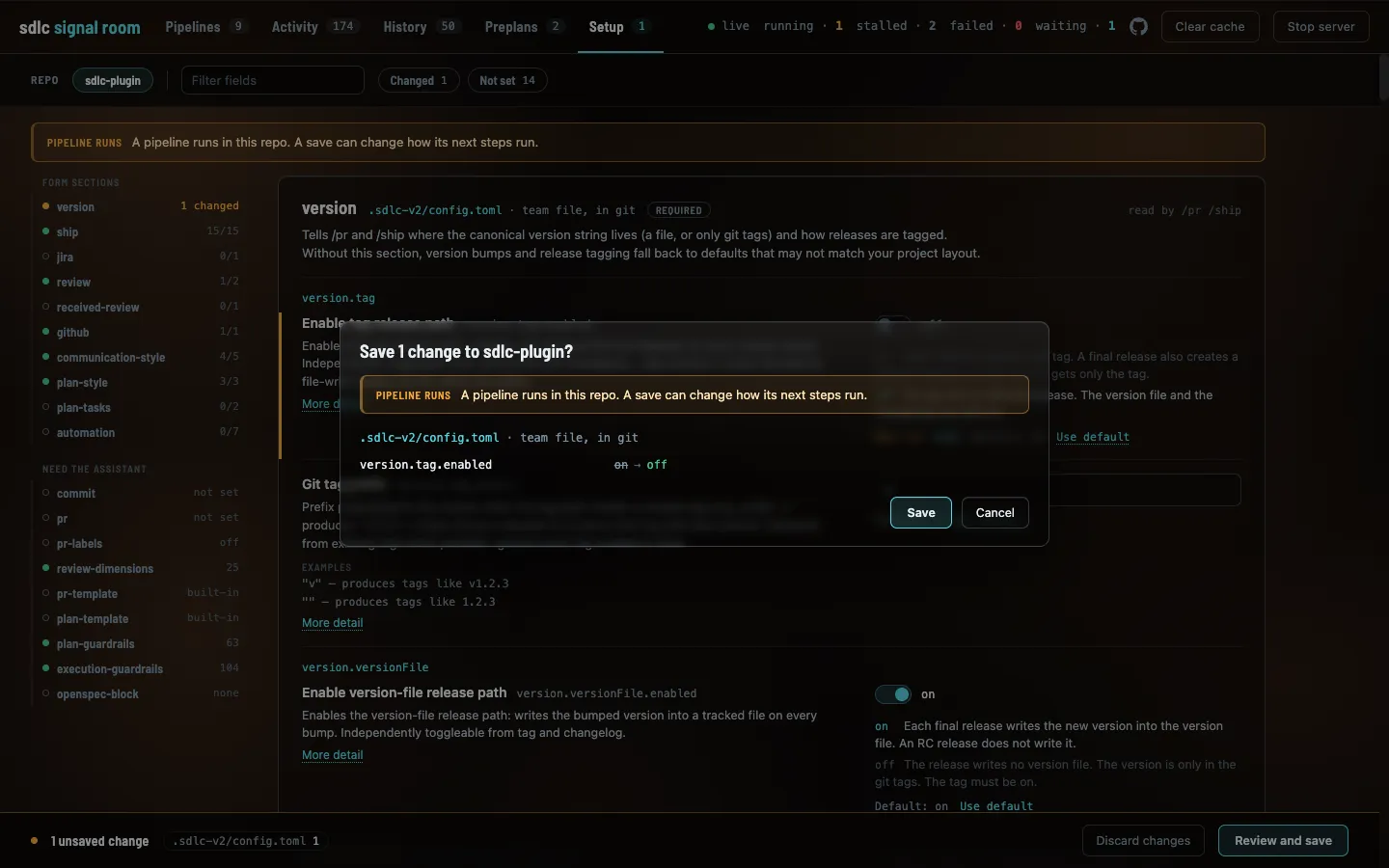
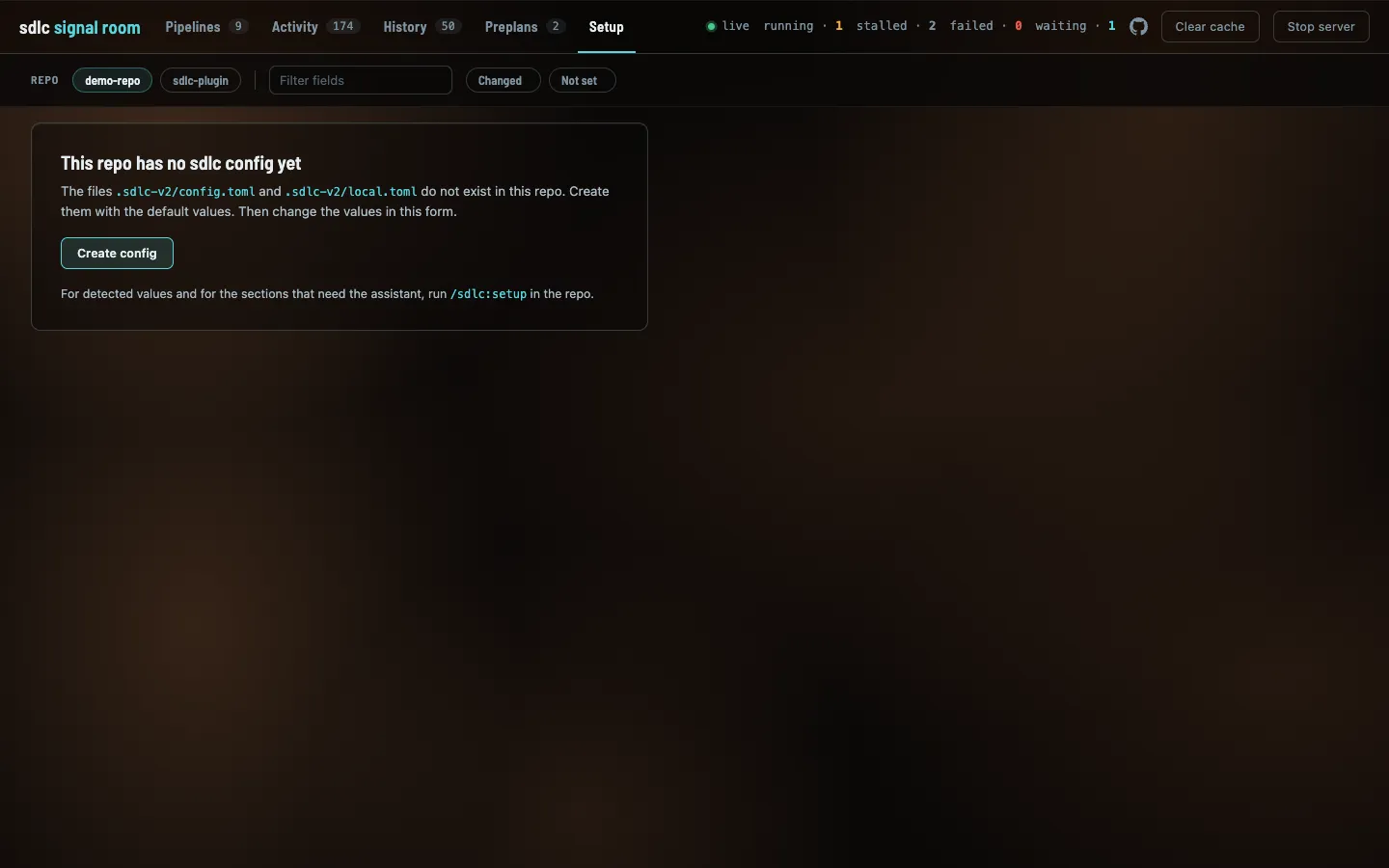
- One form shows and saves the plugin config of a repo
- Lists and edits the plan and execute guardrails in the Setup tab
- Before the section menu, /sdlc:setup offers to open the Setup tab for the form sections
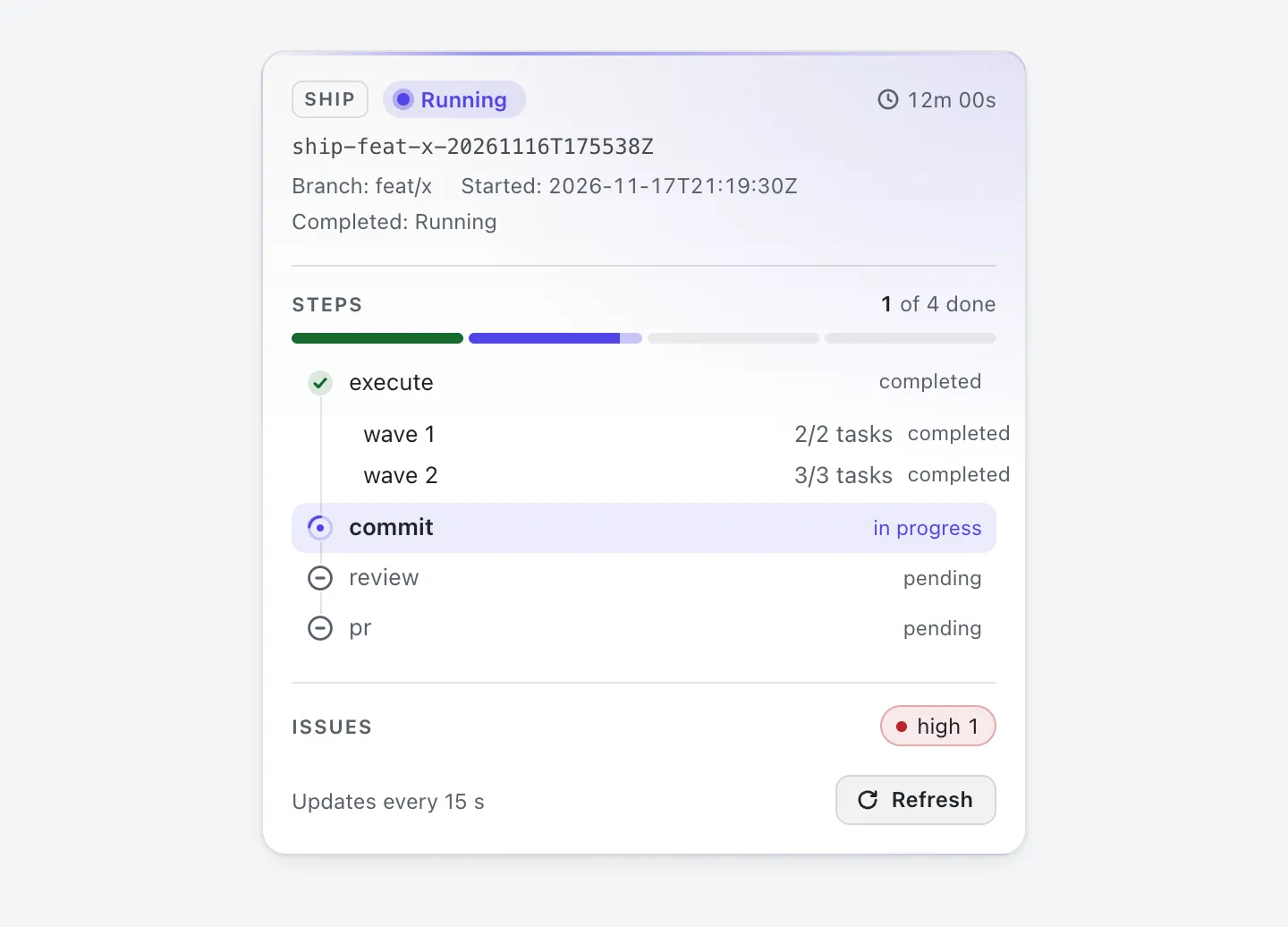
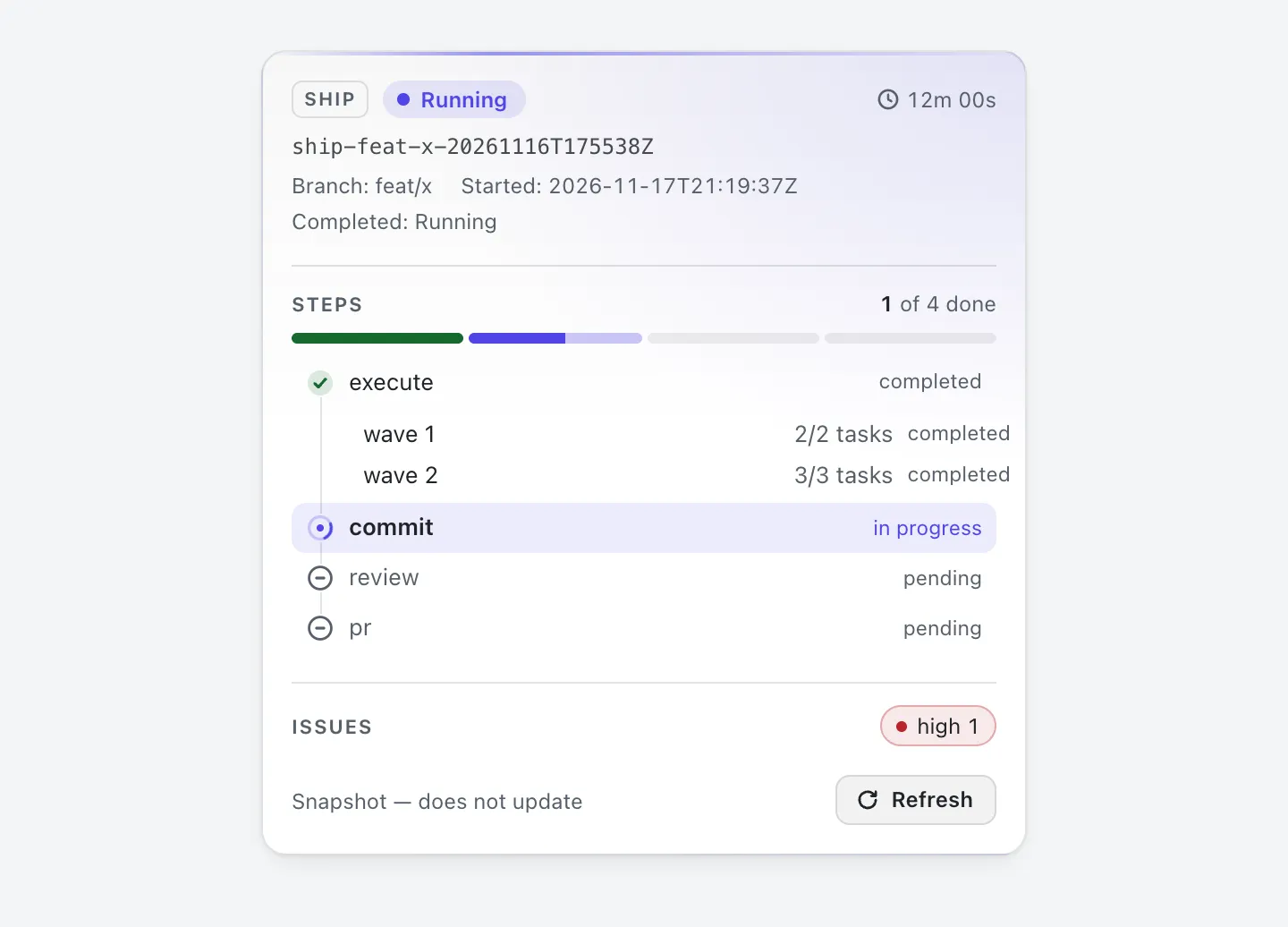
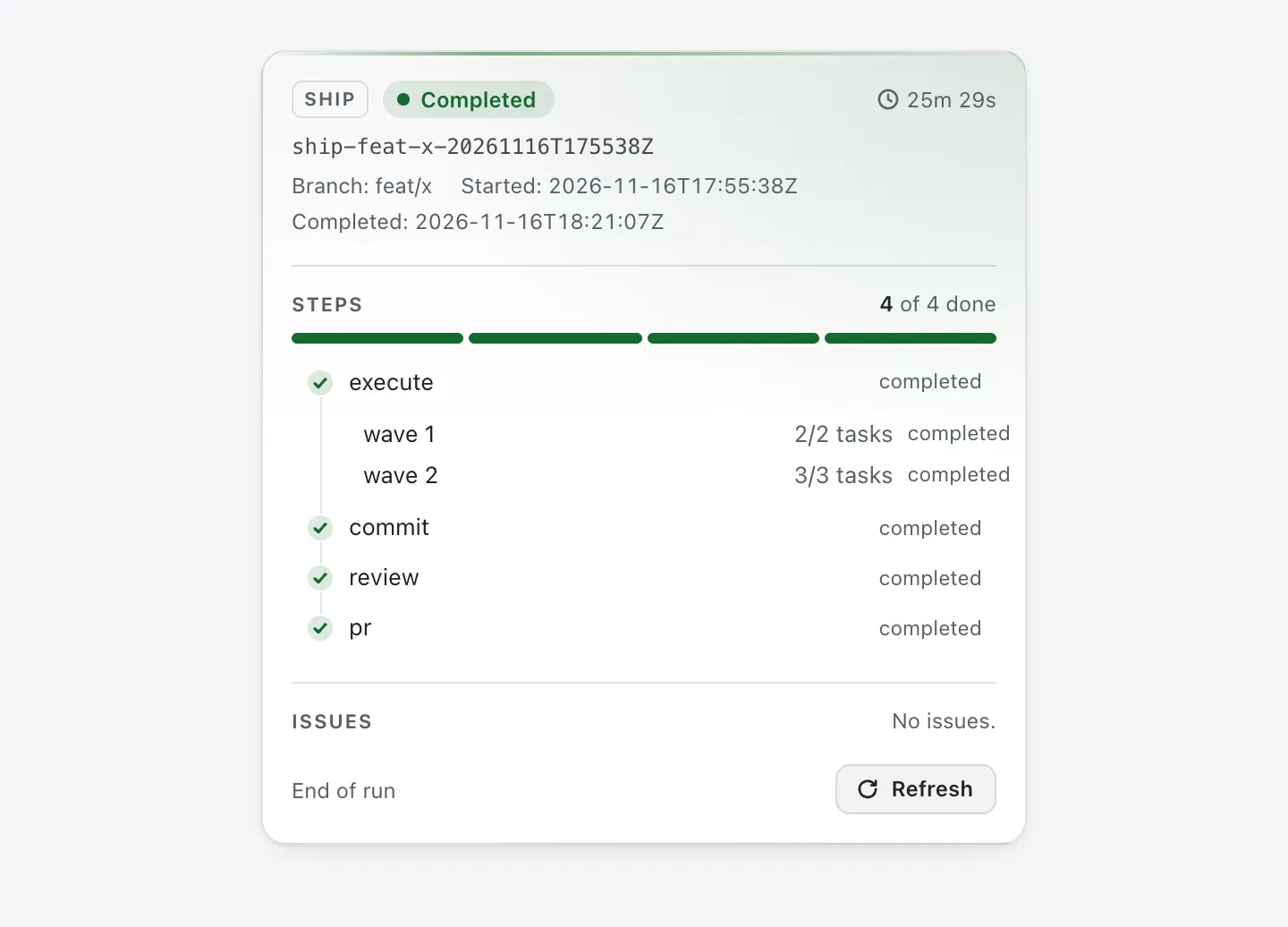
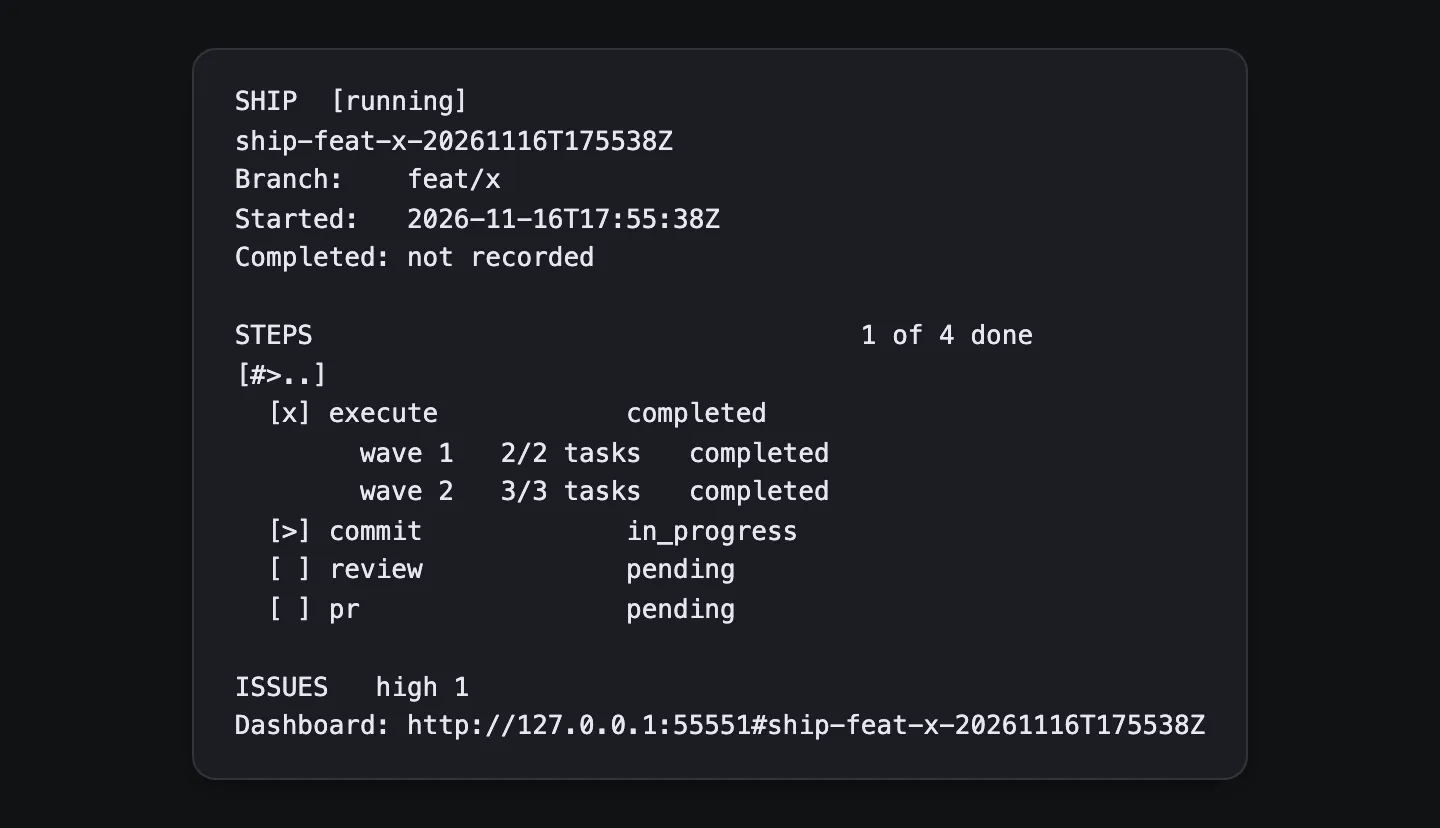
- Each client that supports MCP Apps shows a run card in the chat at the start of a run, at each step and wave, and at the end
- The ship card lists each wave of the execute step with its task count
- A client with no card support gets the same card as text, with a link to the run on the dashboard page
- Opens in a T3 Code preview tab
- Open it with one command